Coding, Online Safety and Screen Habits: What Children Learn in ICT at The Shri Ram Universal School Bengaluru
Screens are now part of most children's school day. When parents look at a school's computer lessons, two questions usually matter most. What will my child learn to do, and will they learn to use the internet safely?
The September 2026 monthly planners at The Shri Ram Universal School (TSUS) Bengaluru in Jakkur offer a grade-by-grade look at one month of ICT lessons, from Grade 3 to Grade 8. Here is what each grade covered, what it tells you as a parent, and what to ask the school on a visit.
ICT Topics for Grades 3 to 8, September 2026
Each grade's ICT topic is listed below exactly as it appears in the school's September 2026 newsletter.
Grade | ICT topic |
|---|---|
| Grade 3 | CH 3 Managing files and folders |
| Grade 4 | Ch 5.Internet and Online Safety |
| Grade 5 | Introduction to MS Excel |
| Grade 6 | Connected and Aware: Dive into the Internet with Digital Safety |
| Grade 7 | Advancing HTML Skills |
| Grade 8 | Invent with MIT App Invento |
These are the topics for one month. The planner does not show the full-year ICT syllabus, so it is worth asking the school how each grade's lessons continue through the year. For a wider view of how lessons are approached across subjects, read about the Shri way of learning at TSUS.
Online Safety in Grades 4 and 6
Two of the six grades had an online safety topic in September. Grade 4's chapter covers "Internet and Online Safety," and Grade 6's topic is "Connected and Aware: Dive into the Internet with Digital Safety." This means online safety appears in the planner at two different grade levels.
You can build on these lessons at home. Ask your child what they covered in class, and talk about the rules your family follows online.
Spreadsheets, HTML and App Inventor in the Upper Grades
The September topics move from file management in Grade 3 to more advanced tools in the higher grades. Grade 5 begins with MS Excel. Grade 7 works on HTML skills, and Grade 8's topic uses MIT App Inventor.
If you want to know what students produce in these lessons, ask the school whether you can see examples of class work.
Technology Alongside Reading and Outdoor Play
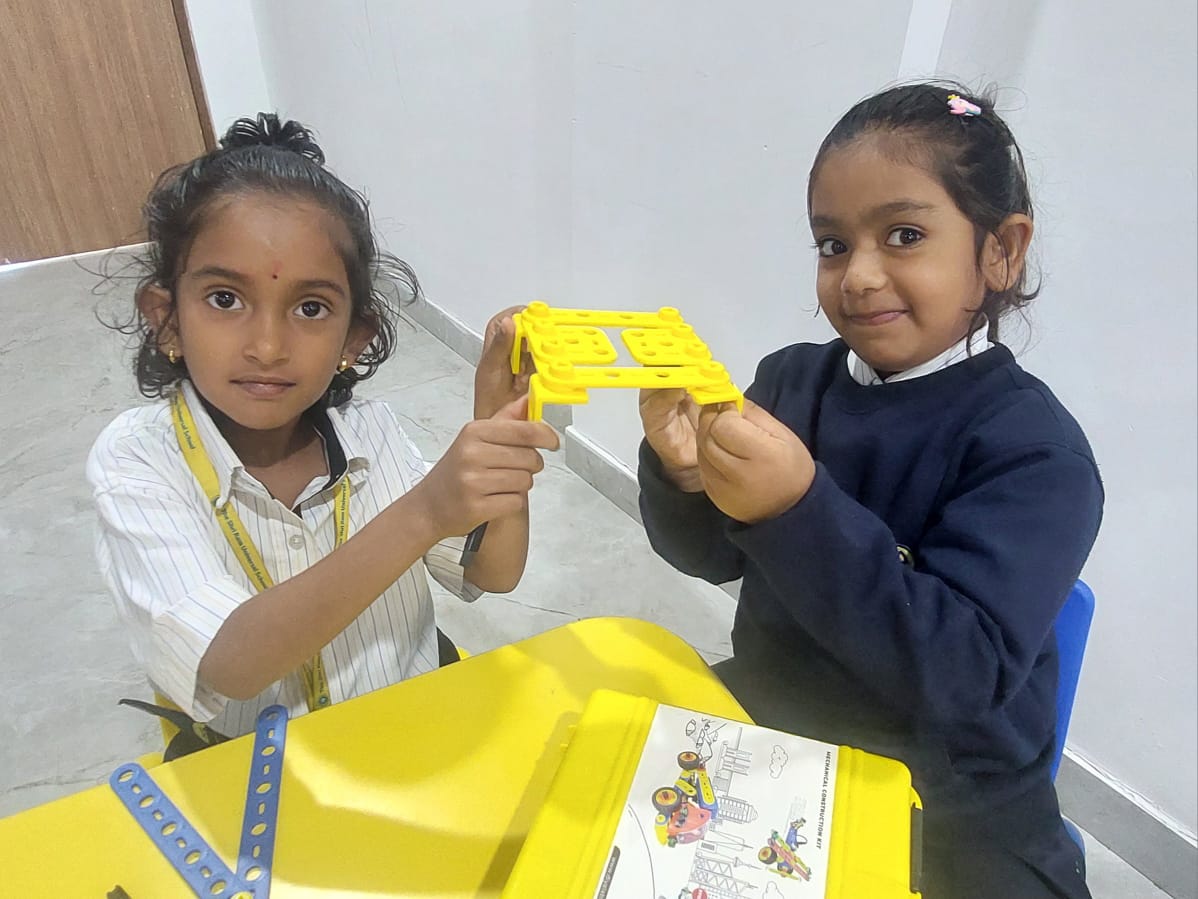
At the school's 80th Independence Day celebration, Principal Nageveni T Reddy encouraged children and parents to promote reading, outdoor play, meaningful interactions and mindful use of technology. Her message asks families to keep technology use mindful at home as well as in school.
TSUS lists smart classrooms and well-equipped science and computer labs among its facilities, and the school states a 1:10 teacher-student ratio. For a closer look at the campus, see this guide to infrastructure and facilities at TSUS Bengaluru.
Questions to Ask on Your Visit
If you are comparing CBSE schools in Jakkur and North Bengaluru, these questions can help you understand the ICT programme in more detail:
- What does my child's grade cover in ICT across the full year?
- How do the Grade 4 and Grade 6 online safety topics continue in later grades?
- What do Grade 7 and Grade 8 students create in their HTML and MIT App Inventor lessons?
- How much class time do ICT lessons take each week?
- How can parents support online safety at home?
Conclusion
The September 2026 planner gives a clear picture of one month of ICT at The Shri Ram Universal School Bengaluru. Grade 3 covered file management, Grades 4 and 6 covered online safety, Grade 5 started MS Excel, Grade 7 worked on HTML and Grade 8 used MIT App Inventor.
Admissions for 2027-28 are open, and the TSUS admission procedure walks through the steps. To ask about the ICT programme in person, book a campus visit.
Note: Blogs by Yellow Slate are written based on information, knowledge and perspective of the writer. While every caution has been taken to provide readers with accurate information, please use your discretion before taking any decisions based on the information in this blog. In case you find any information that is factually wrong or something that could be made better, please write to us at contact@yellowslate.com.
Curious about how we arrived at this list? We believe parents deserve full transparency on how schools are evaluated and selected. to understand our school selection methodology.


